Google Account Creation
Documentation: https://support.google.com/accounts/answer/27441?hl=en
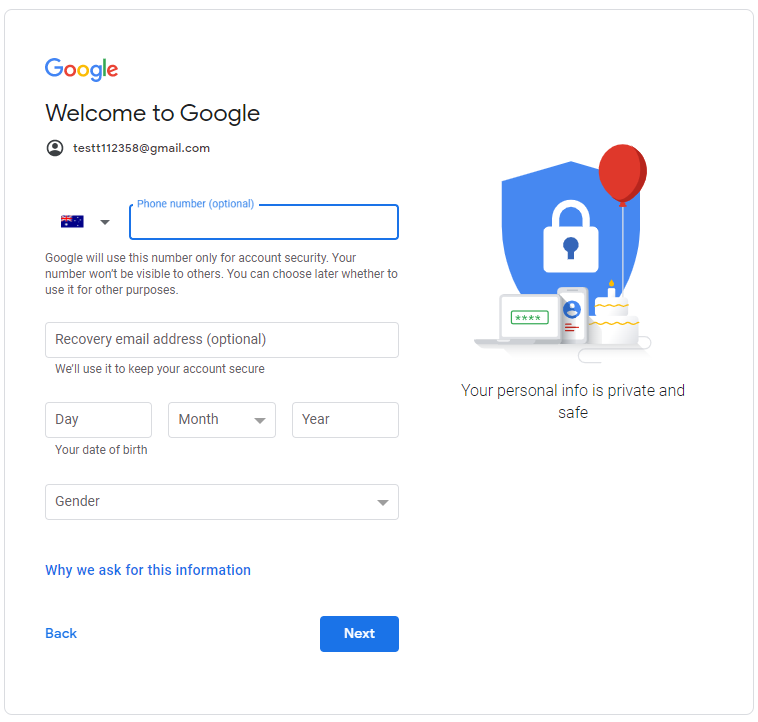
To create a new account, start by following this link: https://www.google.com/account/about/ to access the Google Accounts page. Click the Create an account button in the top left to open the account creation form.
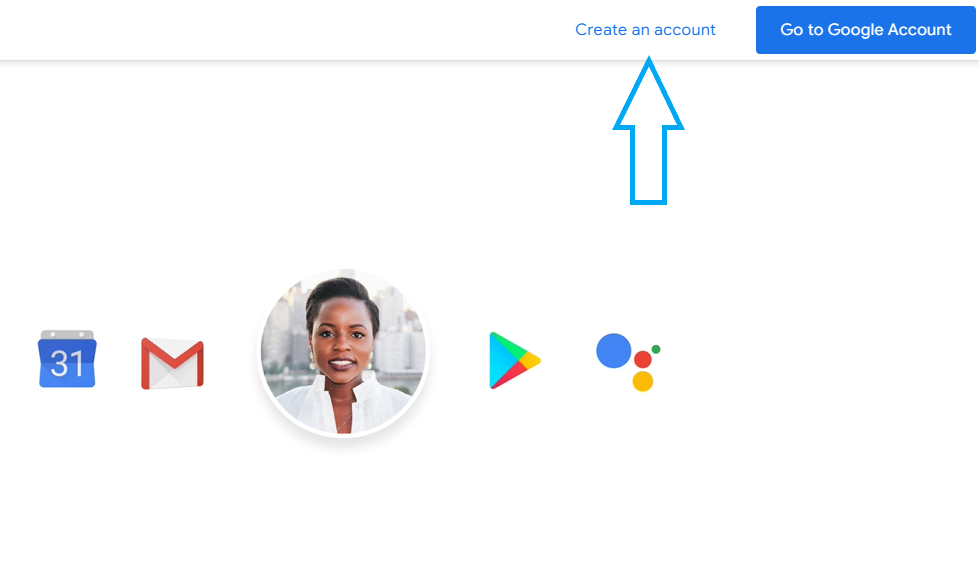
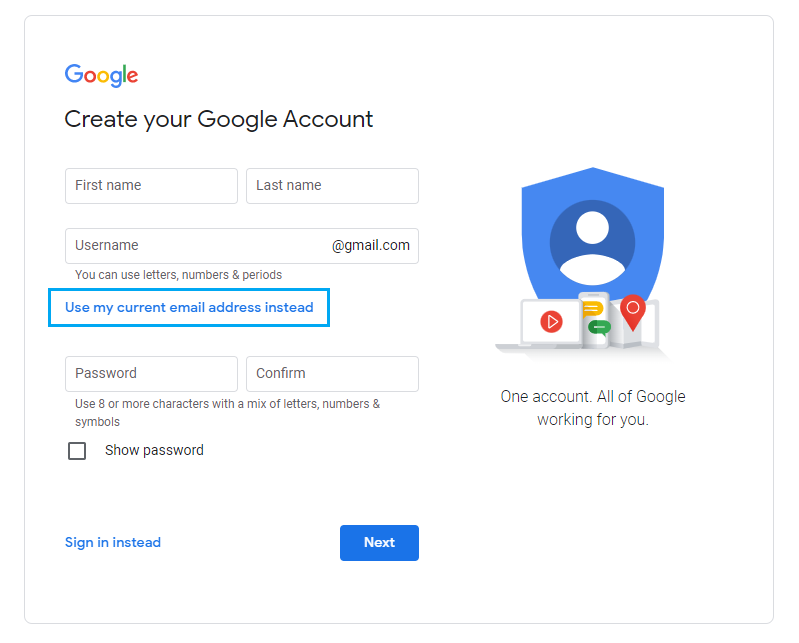
You will be required to supply a first and last name and a password, but you have two options when if comes to the email address. You can enter a username to create a new Gmail account, or you can select Use my current email address instead. Use this option if you would like a google account made with an email you already have set up with a different email service. Using this option will also add an extra step to verify the email you entered to make sure no one is trying to make an account with your email without permission.
Once you hit Next, you will be asked to set up recovery options for your account in case you need to reset your account details and no longer have access to this account. Fill in at least one recovery option, your date of birth, and your gender before hitting Next. You will then be taken to the final account setup page to view and accept Google’s terms of service. You should now be set up with a google account and redirected to the accounts home page.